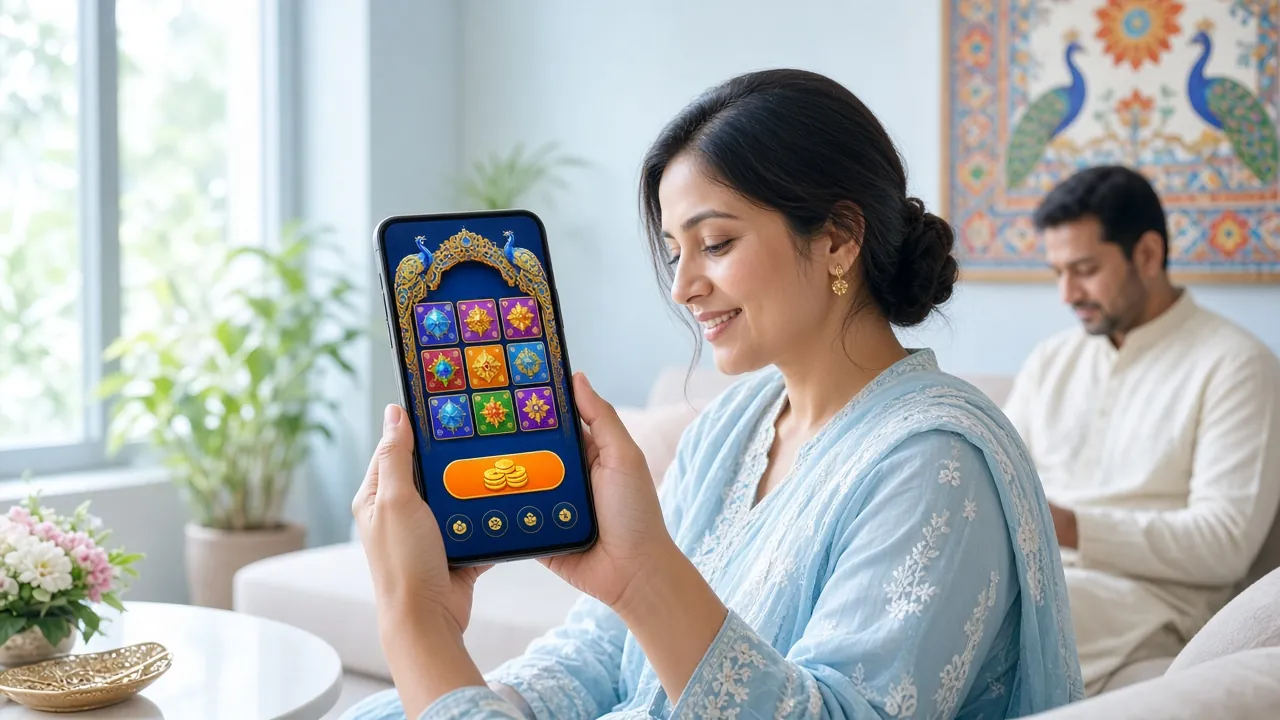
The g777 app puts 1,800+ casino games, live sports odds, and instant bKash/Nagad deposits in your pocket. At just 52 MB, it installs in under two minutes on any Android 8.0+ device. No Play Store needed — download the APK directly below and you are ready to play.
Scan this QR code on your phone to open the download page directly. Android only — iOS users, see the Add to Home Screen guide below.
App Version & System Requirements
Before you download, check that your phone meets the minimum specs. The g777 app is lightweight and runs on most budget Android handsets sold in Bangladesh.
Security & Permissions Explained
The g777 APK is built for direct download — not through Google Play. That is normal for licensed casino apps in Bangladesh. Here is exactly what the app asks for and why.
SSL-Encrypted Connection
All traffic between the g777 app and our servers uses 256-bit SSL. Your account credentials, deposit details, and personal data never travel in plain text. You can verify this by checking the padlock icon in any embedded browser view inside the app. This is the same standard used by Bangladeshi banks.
Storage Permission (Read/Write)
The app needs storage access to cache game assets so they load faster on your next visit. It saves temporary files only inside its own private folder — it cannot read photos, contacts, or documents from other apps. You can revoke this permission in Android Settings at any time without uninstalling.
Network Access
Internet permission is required to load games, process bKash/Nagad deposits, and connect to 24/7 live chat support. The app does not use your data in the background when closed. If you are on a metered mobile data plan, you can restrict background data in Android settings — the app still works fine in the foreground.
Notifications (Optional)
The app will ask to send push notifications for deposit confirmations, withdrawal status updates, and bonus alerts. This permission is entirely optional — the app works with full functionality if you choose to deny it. You can enable or disable notifications at any time from your phone's Settings > Apps > g777 > Notifications.
What You Can Do in the g777 App
The app is a full casino and sportsbook in one place. These are the six main things players use it for every day.

Slots & Fishing Games
Browse 1,800+ titles from KA Gaming, JDB, Red Tiger, and Spribe. Filter by RTP, min bet, or provider. Games like Monster Hi-Lo (RTP 96.5%) and Tower (RTP 97.5%) load instantly even on a 4G connection. Minimum bet from just ৳1.

Live Casino Tables
Play Mini Baccarat and other live tables streamed by Ezugi and Sexy Gaming. Real dealers, real cards — the app handles HD video smoothly on a standard Grameenphone or Robi connection. Bet from ৳5 per hand.
How to Install the g777 APK on Android (5 Steps)
Android blocks APKs from outside the Play Store by default. You need to allow installs from unknown sources once — it takes about 30 seconds and you can turn it off again after.
-
1
Allow Unknown Sources
Go to Settings → Security → Install Unknown Apps (exact path varies by phone). Select your browser (Chrome or Firefox) and toggle Allow from this source to ON. On Android 12+, look under Special App Access. This setting only applies to your browser — it does not lower security for other apps.
-
2
Download the APK
Tap the Download APK Free button on this page. Your browser will start downloading
g-777.apk(52 MB). On a typical Grameenphone 4G connection this takes under 15 seconds. Do not close the browser tab during the download — it will pause the file transfer. -
3
Open the Downloaded File
Once the download finishes, pull down your notification bar and tap g-777.apk. Alternatively, open your Files app, go to Downloads, and tap the file. Android will show an install prompt. If you see a warning about unknown sources, tap Settings in the prompt and enable it — then tap the back arrow to return to the installer.
-
4
Install the App
Tap Install in the Android installer screen. The g777 app installs in about 10 seconds. When the screen shows "App installed", tap Open to launch immediately, or tap Done to find the icon on your home screen later. The app icon shows the g777 orange logo.
-
5
Log In or Register
Open the app and tap Log In if you have an account, or tap Register to create one in under 3 minutes. New accounts get a 235% first deposit bonus up to ৳6,000. Use bKash or Nagad to deposit — funds arrive in about 4 minutes. Already have an account? Head to g777 Login for help.
iPhone Users: Add g777 to Your Home Screen
Apple does not allow APK installs on iPhone. Instead, you can add the g777 website as a Progressive Web App (PWA) — it sits on your home screen and works like a native app.
- Open g-777.live in Safari (not Chrome — the Add to Home Screen option only appears in Safari on iOS).
- Tap the Share button at the bottom of Safari — it looks like a square with an upward arrow.
- Scroll down the Share sheet and tap Add to Home Screen.
- Edit the name to g777 if you like, then tap Add in the top-right corner.
- The g777 icon appears on your home screen. Tap it to open the site in full-screen mode — no browser chrome visible.
Download the g777 APK
g777 App v2.4.12
Android 8.0+ · 52 MB · Free
No Play Store required. The APK is scanned and verified before each release. If your browser warns about the file type, tap Download anyway — this is normal for APK files. For install help, see the steps above or contact 24/7 live chat.
g777 App vs Browser – Side by Side
Most features are the same whether you use the app or the browser. These are the differences that matter day-to-day.
| Feature | g777 App (APK) | Mobile Browser |
|---|---|---|
| Game Loading Speed | Faster — assets cached locally | Loads each session from server |
| Push Notifications | Yes — deposit, withdrawal, bonuses | No (browser notifications limited) |
| bKash / Nagad Deposit | Yes — in-app redirect | Yes — via browser |
| Live Casino Streaming | HD, optimised | HD (depends on browser) |
| Face / Fingerprint Login | Yes — Android biometrics | No |
| Offline Game Cache | Partial — UI loads without data | No — requires live connection |
| Auto-login on Reopen | Yes — session persists | Depends on browser settings |
| Bonus Claim | Yes — full access | Yes — full access |
| KYC Document Upload | Yes — camera shortcut | Yes — via file picker |
| Screen Space Used | 52 MB installed | 0 MB (no install) |
The app gives you a smoother experience on match nights when everyone is online at once. For casual browsing, the mobile site works fine. If you are new, start by visiting g777 Casino in your browser to explore the lobby before installing.
Fixing Common Install Problems
Most install errors have a simple fix. Check the table below before contacting support.
| Problem | Likely Cause | Solution |
|---|---|---|
| "Install blocked" message | Unknown sources not enabled for your browser | Go to Settings → Security → Install Unknown Apps, find your browser (Chrome or Firefox), and switch Allow from this source to ON. Then open the downloaded APK again from your notifications or Downloads folder. |
| Download stops at 0% | Weak mobile data or the browser blocked the file type | Switch to Wi-Fi or a stronger signal. If Chrome shows a "Dangerous file" warning, tap Download anyway. You can also try a different browser such as Firefox or Samsung Internet. |
| "App not installed" error after tapping Install | Not enough free storage, or a corrupted partial download | Free up at least 100 MB of storage (delete old photos or apps). Then delete the existing g-777.apk from your Downloads folder and download it fresh from this page. Do not install over an older version that failed. |
| App crashes on launch | Android version below 8.0, or low available RAM | Check your Android version under Settings → About Phone. The app requires Android 8.0 or higher. If your version is older, use the mobile browser version at g-777.live instead. Restart your phone to free up RAM and try again. |
| Games load slowly inside the app | Slow connection or background apps consuming bandwidth | Close other apps running in the background. Switch from mobile data to Wi-Fi if available. For live casino streams, a 4 Mbps connection or faster gives smooth HD video. If the issue persists, contact 24/7 Live Chat from inside the app. |
Frequently Asked Questions About the g777 App
Is the g777 APK safe to install?
Yes. The g777 APK is built and distributed directly by the platform. Each release is scanned for malware before it goes live on this page. The app only requests permissions it actually needs: internet access, storage for game caching, and optional notifications. It does not access your contacts, SMS, or location. All data between the app and our servers travels over 256-bit SSL encryption. If Android shows a generic "unknown source" warning during install, that is standard for any APK not distributed through Google Play — it does not mean the file is dangerous.
How do I update the g777 app to the latest version?
The app does not update automatically like Play Store apps. When a new version is available, you will see an in-app banner saying "Update Available." Tap it to go straight to this download page, then download the new APK and install it on top of the existing version — your account data and settings are kept. Alternatively, revisit this page whenever you want to check the current version number (shown in the info table above). The latest build is always v2.4.12 as of November 2026.
What if the install fails even after allowing unknown sources?
First, delete the downloaded APK from your Downloads folder — a partial or corrupted download is the most common cause of install failures. Then download it again on a stable Wi-Fi connection. If you still see an error, check that you have at least 100 MB of free storage. On some Samsung and Xiaomi phones, there is a secondary security setting called MIUI Security or Samsung Knox that blocks APK installs separately. Look for an option labelled "Install via USB" or "External sources" inside those security apps and allow it.
Can I use the app on two phones at the same time?
Your g777 account can be installed on multiple devices, but only one active session is allowed at a time per account. If you log in on a second phone, the first session will be logged out automatically. This is a security measure to prevent unauthorised access. If you share a household with another player, each person needs their own separate g777 account — using one account on two devices simultaneously violates the terms and can result in a temporary account hold.
Does the g777 app work on a tablet?
Yes. The g777 app installs and runs on any Android tablet running Android 8.0 or higher. The interface scales to larger screens — game tiles appear bigger and the navigation bar is easier to reach. Live casino streams look particularly good on a 10-inch screen. Install steps are identical to those for a phone. If your tablet does not have a SIM card, you will need Wi-Fi to play. iPad users should follow the iOS "Add to Home Screen" steps described earlier on this page.
How do I deposit via bKash inside the g777 app?
Tap Deposit in the bottom menu. Choose bKash from the payment options, enter the amount (minimum ৳100), and tap Confirm. The app redirects you to the bKash payment screen. Complete the payment with your bKash PIN. Funds arrive in your g777 wallet in about 4 minutes. If the deposit does not appear after 10 minutes, tap Help → Live Chat and share your bKash transaction ID — the support team resolves it instantly. For a full walkthrough, see the g777 Deposit Guide.
What is the minimum withdrawal amount in the app?
The minimum withdrawal is ৳1,400 and the maximum is ৳50,000 per day. Go to Withdraw in the app menu, choose your method (bKash, Nagad, Rocket, or Bank Transfer), enter the amount, and confirm. Withdrawals process in about 6 minutes once your KYC is verified. First-time withdrawals may take up to 1 hour while identity documents are reviewed. You will need to submit a National ID Card, Passport, or Driving Licence — only once. Full details in the g777 Withdrawal & KYC Guide.
- 18+ Only
- SSL Encrypted
- 24/7 Support
- bKash & Nagad
- Curacao Licensed
- Withdraw in ~6 min
- 1,800+ Games
- 235% Welcome Bonus
g777 is operated under a Curacao gaming licence. The g777 app and website are intended for players aged 18 and above only. Gambling can be addictive — please set limits and play responsibly. Responsible Gaming resources are available inside the app under Settings. · 18+ · Play Responsibly